Search My Blog

Showing posts with label LR Mobile. Show all posts

Thursday, 28 April 2016

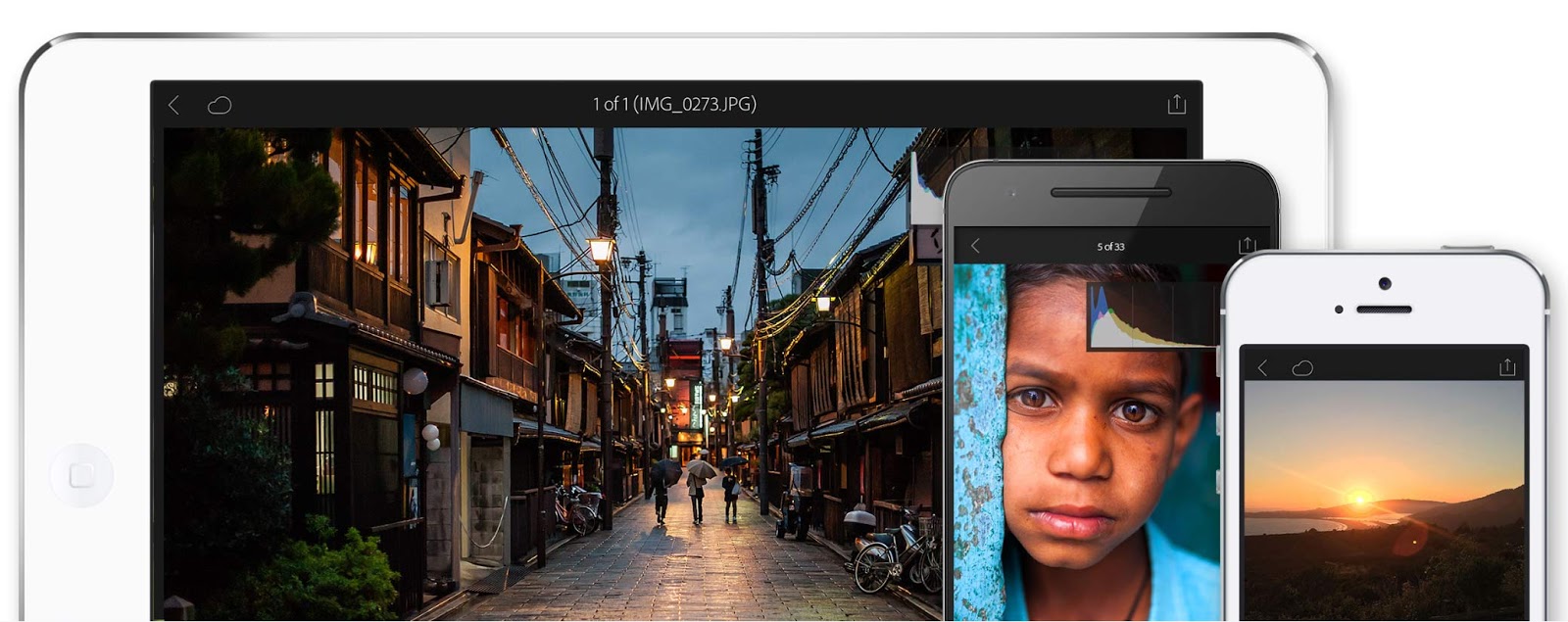
Lightroom Mobile for iOS 2.3


Adobe announces that Lightroom Mobile for iOS 2.3 is now available from today.


In Lightroom on mobile (iOS), you can now directly access the photos on your device's Camera Roll from the Collections view and the Lightroom photos view. The photo selected from the Camera Roll now opens in Camera Roll edit view where you can apply Crop, Presets, and Adjustments. When you accept the edits, the photo is automatically added to Lightroom.


This iOS update coincides with the release on the desktop of Lightroom CC 2015.5.1 and LR6.5.1 - see below - and users should note that on first launch it will be necessary to sign-in via the activity center. The activity center can be accessed in the LR Library by hovering top-left with the mouse over the name plate and clicking the drop-down icon that appears.


More Details at Adobe Lightroom Blog


New Lightroom Update

Lightroom CC 2015.5.1 and Lightroom 6.5.1 have been released today. It’s a double-dot update, not a major update so there may be no rush to install it unless you are affected by the specific bugs which have been fixed – see link below for further information. This release also provides raw file support for two new cameras:


Pentax K-1

Sony DSC-RX10M3

As mentioned above, if you use Lightroom Mobile it will be necessary to sign-in again via the identity plate fter installing this update.


Tuesday, 1 March 2016

Lightroom Mobile for Android Update


Lightroom 2.0.1 for Android adds in a number of new, important features, including:


An in-app camera, supporting the capture of images in DNG raw format. This is unique to Android devices where DNG support is built into the operating system


Shoot-through presets, also available within the in-app camera, enabling previewing and capturing images with a series of built-in presets providing non-destructive editing


Dehaze tool to adjust haze and fog in an image


Split Toning enhancement, enabling the addition of a color cast to the highlights and shadows of an image, creating a uniquely stylized color image or replicating the look and feel of a traditional toned black and white image


Target Adjustment Tool functionality in the Color/B&W editing tool, providing direct, on-image editing controls


Point mode in Curve tool providing complete control over the tonality and contrast of an image


Enhanced sharing with one-tap access to Adobe Premiere Clip for crafting video stories.

Adobe's Russell Brown demonstrates DNG on the Samsung Galaxy S7 Edge.


Click to play video


Adobe worked with world-renowned travel photographer Colby Brown to test and use the latest version of Lightroom for Android on his Nexus 6P. Check out his blog post to read his take on working in a full raw end-to-end workflow.